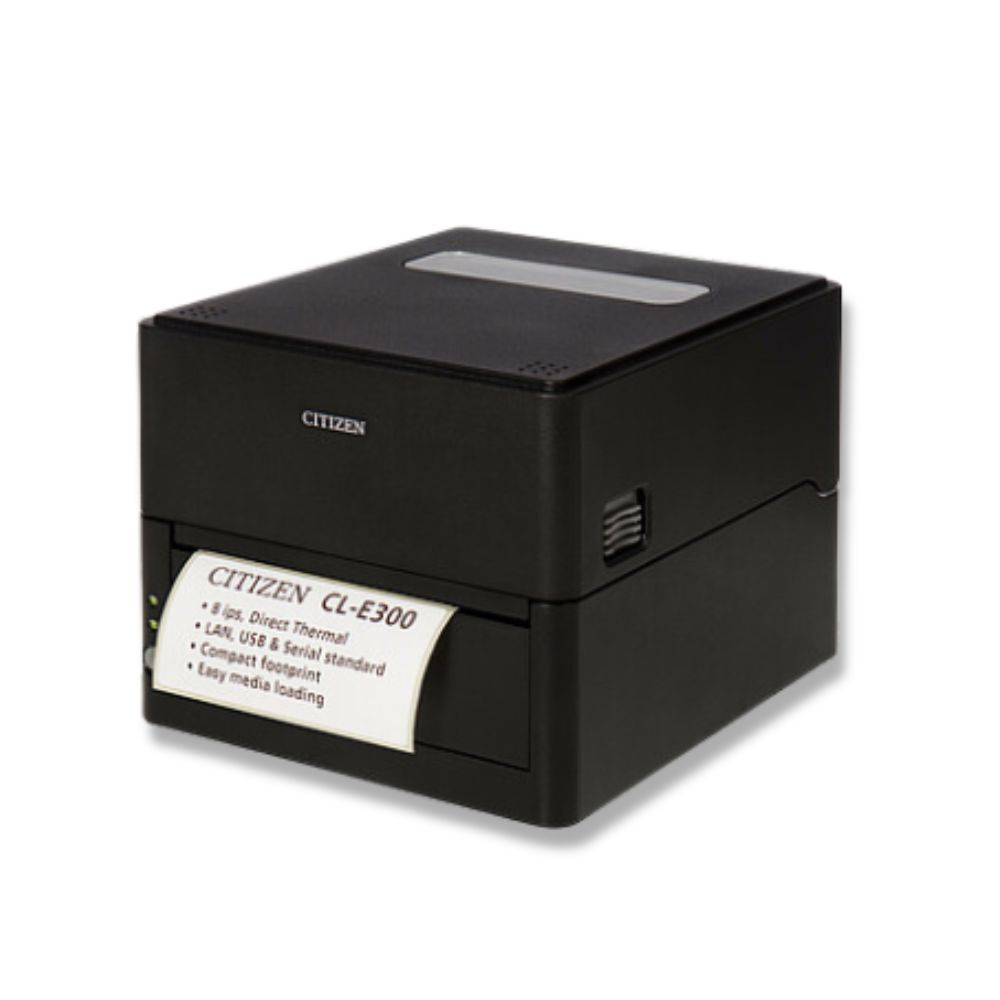
Compact and Stylish Design
- Boasting the smallest footprint in the industry, this printer was designed to be compact to free users from placement restrictions.
- The stylish design enables the device to be used in different environments.
- Exterior color options include black and pure white.
High-speed
- This printer utilizes the direct thermal method and a thermal print head and includes
a 32-bit RISC CPU with a maximum operating frequency of 216 MHz and
thermal history control to provide high-speed, high-quality performance up to 8 IPS
with the CL-E300/CL-E300EX model and up to 6 IPS with the CL-E303/CL-E303EX model.
Interface
- Standard interfaces include a 9-pin, DSUB RS-232C interface, full-speed USB 2.0 port, and an Ethernet port that supports 10BASE-T and 100BASE-TX . These interfaces enable high-speed connections to many peripheral devices (CL-E300/CL-E303).
- Support is available for RS-232C, Bluetooth, wired LAN, wireless LAN (2G/5G), and wired/wireless LAN interface with USB host thanks to an interchangeable interface board (CL-E300EX/CL-E303EX).
- XML print functions are provided for the wired/wireless LAN interface (CL-E300EX/CL-E303EX).
Excellent Usability
- Manual media cutters are installed at the top and bottom of the media discharge port to cut media after being printed for better usability in many different environments.
- The operation panel has been designed to have a different color than the main exterior color for better visibility and stress-free operation.
- Thermal heads and platen rollers can be easily replaced without the use of tools.
- Use the LabelPrinterUtility developed by Citizen to configure printer settings from a host computer.
- The built-in LinkServer™ printer tool can be used over wired LAN or USB connections (Android device) to change settings and perform other operations (CL-E300/CL-E303).
- Printer includes functionality to enable users to quickly adjust head balance.